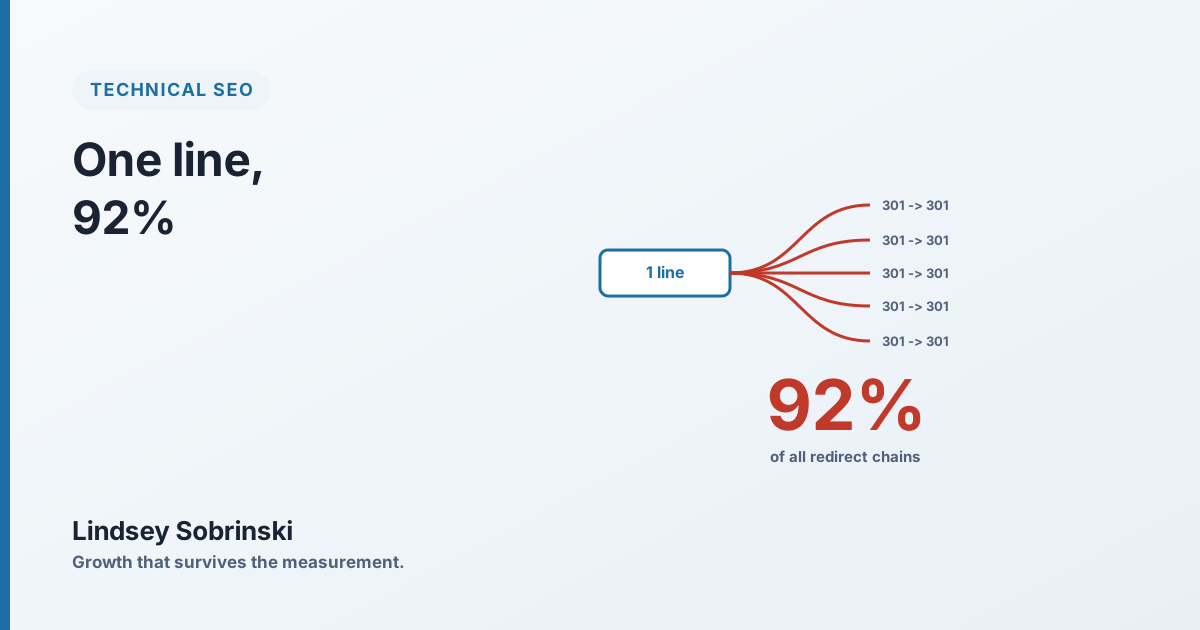
On one enterprise retail site, a single link in the header template was responsible for 92% of every redirect chain on the entire domain.
Not 92% of the header’s problems. Not 92% of one section. Ninety-two percent of all of it, 5,632 redirect chains, every one of them tracing back to one href that a designer set once and no one thought about again. It pointed at an account URL that redirected through an authentication loop, and because it lived in the header, Googlebot hit it and followed it on every single page it crawled.
That’s the thing about technical SEO on a large site that a checklist never quite conveys: the unit of damage is not the page. It’s the template.
One link, times every page
On a small site, a bad link is a bad link, one row in a crawl report, one quick fix. On a site with hundreds of thousands of pages built from shared templates, a bad link in the header or footer isn’t one problem. It’s one problem multiplied by every page that renders it.
That multiplier is why the numbers get absurd. The same site had a footer template with a handful of links pointing at redirecting URLs; because the footer appeared on roughly 1,700 pages, those few links generated over 12,000 internal redirect links, 44% of every redirect link in the audit. An author byline in a listing-card template, repeated across a few hundred article pages, added another 3,600. None of these were content decisions or strategy failures. They were single lines of markup, quietly replicated at scale.
Add it up and the picture inverts what most people expect. The site didn’t have thousands of independent link problems. It had a small number of template problems wearing thousands of costumes.
Why the crawler cares
It’s tempting to file redirect chains under “tidiness” and move on. On a large site, they’re not cosmetic.
Every redirect is a request Googlebot makes and a hop it follows before it reaches anything worth indexing. Multiply that by a header link on every page and you’re spending a meaningful slice of your crawl budget sending the crawler down the same dead-end corridor, over and over, instead of letting it discover new products and updated pages. On the site above, only a low single-digit percentage of crawl activity was going to new content, and a big reason was that so much of the budget was being burned on internal redirects and dead links the templates kept generating.
There’s a link-equity cost too. PageRank flows through internal links, and every redirect hop is a place it can leak or dilute. A link that points straight at the destination passes its full weight; a link that points at a URL that bounces twice before arriving does not. When your most-repeated links, the ones in the header and footer, the ones on every page, are all taking the scenic route, you’re taxing your own internal authority on a sitewide basis.
The same shape, in a different disguise
Once you start seeing the template multiplier, you find it everywhere, not just in redirects.
The same site had a tracking parameter baked into its navigation links. Harmless-looking, just a ?sc= on every nav href so the analytics team could see where clicks came from. But because it was in the nav, Google crawled the parameterized version of every page, decided it disagreed with the site’s own canonical tag, and overrode it. The result was 257,362 “Google chose a different canonical” entries, Google ignoring the site’s canonical signals on roughly a fifth of all pages. One parameter, in one template, quietly undermining canonicalization across the whole domain.
Different symptom, identical cause: a small decision in a shared component, multiplied by every page, producing a sitewide problem that looks enormous in the reports and tiny in the code.
How to actually work this
The instinct when a crawl report shows thousands of issues is to start working down the list. On a templated site, that’s the slow way to lose a quarter. The fast way is to find the template.
Crawl the site, pull the redirect-chains and canonical reports, and group the results by their source element rather than reading them row by row. You’re hunting for links that repeat across many pages, that repetition is the signature of a template. Then rank the fixes not by how bad each one looks, but by how many instances a single change would clear. The header link that resolves 5,632 chains is one edit. The footer that clears 12,000 redirect links is one edit. Those come first, always, before anything bespoke.
And fix them in the right order: put 301 redirects in place so the chains resolve cleanly and no equity is stranded, then update the template links to point straight at the destination so the hop disappears and the chains stop regenerating. Redirects treat the symptom; correcting the source link removes the cause.
The leverage cuts both ways
The uncomfortable part of the template multiplier is how much damage one careless line can do. The encouraging part is the exact same fact from the other side.
The link that created 92% of a domain’s redirect chains was fixed in a single commit. The footer that generated 12,000 redirect links was one template edit. On a large site, the biggest technical problems and the highest-leverage fixes are usually the same small set of files, which is why, before I write a single content recommendation for an enterprise site, I go looking for the handful of templates quietly shaping the whole thing. That’s where the crawler is spending its time, and it’s where you get thousands of pages back with one change.