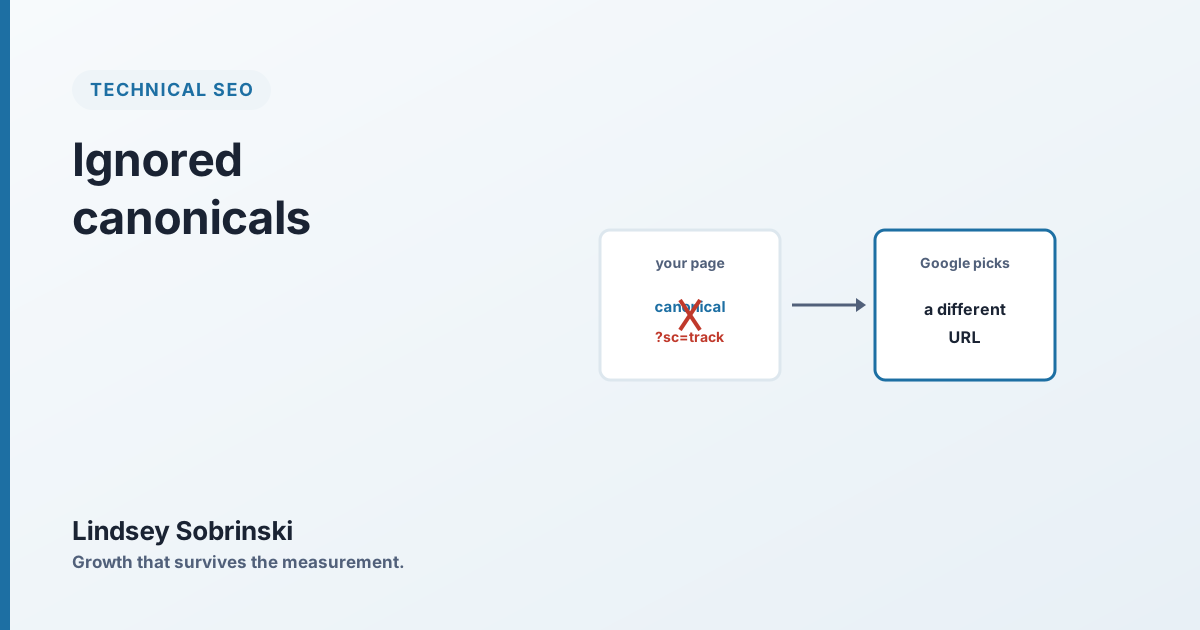
Your canonical tag is not a command. It’s a suggestion, and Google is free to ignore it, which it does more often than most teams ever check.
On one enterprise retail site, Google had overridden the site’s own canonical tags on roughly a fifth of all pages. Search Console showed 257,362 entries under “Duplicate, Google chose different canonical than user.” A quarter of a million times, the site said this is the real URL and Google said no, I’ll use this other one instead. The cause wasn’t a content problem or a bad migration. It was a tracking parameter.
A canonical tag is a hint, not a directive
Here’s the thing that trips teams up. The rel="canonical" tag feels authoritative, you’re declaring the official version of a page, but to Google it’s one vote among many. Google weighs it against your internal links, your redirects, your sitemaps, your URL structure, and the actual content it finds, and if those signals point somewhere else, Google overrules the tag and picks the canonical it thinks is right.
That’s by design. Canonicalization is Google’s problem to solve, and your tag is just you helping it along. When you help it clearly and consistently, it listens. When your own signals contradict your tag, it stops listening, and it does that silently. Nothing breaks. Rankings just quietly attach to a URL you didn’t choose.
The tell: a quarter-million overrides
The number that surfaces this is in Google Search Console, under Indexing → Pages: “Duplicate, Google chose different canonical than user.” On a small site it’s a handful of URLs and usually harmless. On a large site it’s a diagnostic, and the size of the number tells you how much of your canonicalization Google has taken out of your hands.
On the site above, that number was 257,362. That’s not noise. That’s Google systematically disagreeing with the site about which URLs are real, across a fifth of the domain, and every one of those disagreements is ranking signal landing somewhere other than where the team intended.
How a tracking parameter causes it
The culprit was a ?sc= tracking parameter, a small tag appended to navigation links so the analytics team could see where clicks came from. Harmless-looking, and baked into the nav template, which meant it was on the internal links of essentially every page.
Here’s the chain reaction. Because the parameter was in the href, Google crawled the parameterized version of each page, /category?sc=nav_whatever, as a distinct URL. Now Google had two near-identical URLs for the same page: the clean one and the parameter one. It had to choose a canonical. And because so many internal links pointed at the parameterized version, Google frequently concluded that was the page that mattered and overrode the canonical tag pointing back to the clean URL.
One parameter. One template. A canonical override on a fifth of the site.
This is the template multiplier again, in a different disguise: a small decision in a shared component, replicated across every page, producing a sitewide problem that looks enormous in the reports and tiny in the code.
The fix, and the patience it takes
The fix is not to remove tracking. It’s to stop putting the tracking parameter in the link itself.
Take the ?sc= out of the href so every navigation link points at the clean canonical URL, and move the click tracking to an event instead, an onclick handler, a dataLayer push, whatever the analytics stack supports. The analytics team still gets their click data; Google stops seeing a parameterized duplicate of every page. The signal and the tag finally agree.
Then wait. This is the part that requires discipline, because nothing improves overnight. Google has to recrawl each affected page and re-evaluate the signals, so the “chose different canonical” count comes down gradually, over a four-to-eight-week window on a site that size. You watch the trend in Search Console, not the daily number.
How to know it worked
Two signals confirm the fix. First, the “Duplicate, Google chose different canonical” count in Search Console starts falling and keeps falling as Google reprocesses pages. Second, the one that matters commercially, ranking signals consolidate back onto the clean URLs you actually optimize, and the pages you meant to rank stop competing with parameterized versions of themselves.
The lesson generalizes past this one parameter. Anytime your own internal links, sitemaps, or redirects point somewhere other than your declared canonical, you’re asking Google to break a tie, and on a large site, it breaks a lot of them against you. The canonical tag earns its authority only when every other signal agrees with it. Make them agree, and Google starts listening again.